
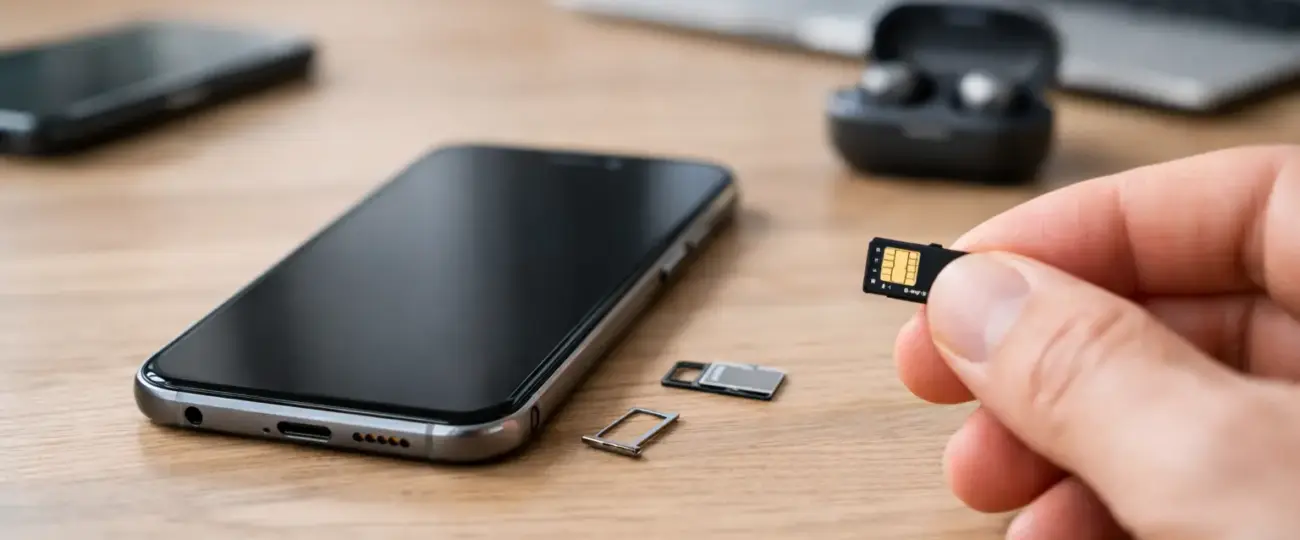


You are packing for an early flight, your travel data plan is ready, and then one question can stop everything: is eSIM right for every phone? Not quite. An eSIM plan can make staying connected abroad much easier, but your phone must support eSIM technology and meet a few basic requirements before you buy.
The good news is that checking takes only a few minutes. Once you know your device is compatible, you can buy a plan, scan a QR code, and arrive with mobile data ready instead of searching for a SIM card store or risking expensive roaming charges.
No. eSIM is not available on every phone, especially on older models, entry-level devices, and some phones made for specific carriers or regions. eSIM is a digital SIM built into the phone. It performs the same basic job as a physical SIM card, but there is nothing to insert, remove, or misplace.
Many newer iPhones, Google Pixel phones, Samsung Galaxy devices, and selected models from other manufacturers support eSIM. However, the model name alone is not always enough to confirm compatibility. A phone may be sold in different versions depending on where it was purchased, and those versions can have different eSIM capabilities.
For travelers, the practical answer is simple: do not assume. Check your exact device before purchasing a travel plan. This helps avoid a last-minute problem when you are already at the airport or have landed in a new country.
Your phone needs more than an eSIM setting. It should be eSIM-capable, carrier-unlocked, and able to use the network bands available at your destination. Most current smartphones meet the network requirement, but the first two points deserve a closer look.
The fastest check is often in your phone’s mobile network settings. On an iPhone, open Settings, then Cellular or Mobile Data. If you see an option such as “Add eSIM” or “Add Cellular Plan,” your device likely supports eSIM.
On Android, the wording varies by manufacturer. Look under Settings, then Network & Internet, Connections, SIM Manager, or Mobile Network. Options such as “Add eSIM,” “Download a SIM,” or “Add mobile plan” are strong signs that eSIM is supported.
This is a useful first check, but it is not the only one. If you bought your device through a carrier, confirm that it is unlocked as well.
Some popular phone families include both eSIM and non-eSIM versions. A device purchased in one country may have different hardware from a similarly named model sold elsewhere. This is especially common with Android phones.
Find your exact model number in Settings under About Phone, or on the original packaging. Then review the manufacturer’s specifications for that model. If you are still unsure, contact your mobile carrier or device manufacturer before your trip.
An unlocked phone can use a plan from a provider other than the carrier that originally sold it. A locked phone may recognize that eSIM is supported but reject a travel eSIM from another provider.
If you are paying off a phone through a carrier, it may remain locked until it meets that carrier’s unlock conditions. Check this well before departure. Unlock requests can take time, and hotel Wi-Fi is not the moment you want to discover a restriction.
A compatible eSIM phone gives you more flexibility when you travel. You can keep your home number active for calls or verification texts while using a separate travel eSIM for mobile data. That dual-SIM setup is particularly helpful for business travelers, families coordinating arrivals, and anyone who relies on two-factor authentication.
It can also reduce the friction of crossing borders. Rather than swapping physical cards between countries, you can install a regional or global data plan before leaving and activate it when your trip begins. With the right plan, you stay connected for maps, rideshares, messages, and work without relying on public Wi-Fi.
But compatibility is still the starting point. A great travel plan cannot be installed on a phone that does not support eSIM, and an installed plan will not help if mobile data settings are turned off or the device is carrier-locked.
First, update your phone’s operating system. eSIM features and setup screens can work more reliably on current software, and an update before traveling is usually easier than one on limited airport Wi-Fi.
Next, check how many eSIMs your phone can store and how many can be active at once. Some phones can save several eSIM profiles but only use one eSIM at a time. Others can run a physical SIM and an eSIM together, or support two active eSIMs. The details vary by model.
Then decide how you want to use your lines. Many travelers keep their primary SIM turned on for calls and texts but disable its data roaming. They set the travel eSIM as the line for cellular data. This approach can help prevent accidental roaming charges from your home carrier while keeping your usual number available.
Finally, install the eSIM before departure when you have stable internet access. Most plans provide a QR code or manual activation details. Save those details somewhere you can access offline, such as a note or screenshot, in case you need them after landing.
A phone with a physical SIM tray can still support eSIM. The two are not mutually exclusive. In fact, this combination is one of the most useful setups for travelers because it lets you keep your home SIM in place while adding travel data digitally.
On the other hand, a new-looking phone is not automatically compatible. Some budget models and certain regional versions skip eSIM support. Always verify the exact device instead of relying on its release year or brand.
Another common issue is confusing an eSIM-capable phone with an eSIM plan that includes a phone number. Many travel eSIMs are data-only. They are ideal for browsing, navigation, messaging apps, and internet calls, but they may not provide traditional calls or SMS. Your home SIM can remain useful for those services if your device supports dual SIM.
Travelers also sometimes install an eSIM correctly but activate it too early. Read the plan terms before setup. Some plans begin when the eSIM connects to a supported network, while others may start on installation or on a specified activation date. Installing early is convenient, but you want the data validity period to match your itinerary.
You still have options. You can use your carrier’s international roaming package, purchase a local physical SIM after arrival, or travel with a portable Wi-Fi hotspot. Each option has trade-offs: roaming can be expensive, local SIMs take time to buy and install, and hotspots add another device to charge and carry.
If your phone is due for an upgrade, eSIM support is worth considering as a travel feature. It is not only about replacing plastic SIM cards. It gives you a practical way to add data for another country without changing your main number or opening a phone tray in transit.
Before choosing a plan from eSimple Pro or any other travel data provider, confirm four things: your exact phone supports eSIM, it is carrier-unlocked, your software is current, and you understand when the plan activates. Also check whether you need data only or want to keep your home line available for calls and texts.
A few minutes of preparation can turn eSIM from a question mark into one less travel task. Check your phone now, install your plan while you have reliable internet, and let mobile data be ready when your trip starts.
 North eSIM
Price range: 1.78 € through 56.45 €
North eSIM
Price range: 1.78 € through 56.45 €
 eSim Bahrain
Price range: 1.75 € through 55.43 €
eSim Bahrain
Price range: 1.75 € through 55.43 €
 eSim Bahamas
Price range: 5.80 € through 183.93 €
eSim Bahamas
Price range: 5.80 € through 183.93 €
 eSim Azerbaijan
Price range: 1.75 € through 60.28 €
eSim Azerbaijan
Price range: 1.75 € through 60.28 €
 eSim Australia
Price range: 1.25 € through 65.98 €
eSim Australia
Price range: 1.25 € through 65.98 €
© 2026 Esimple. All rights reserved by Cubixsol

 Written by