
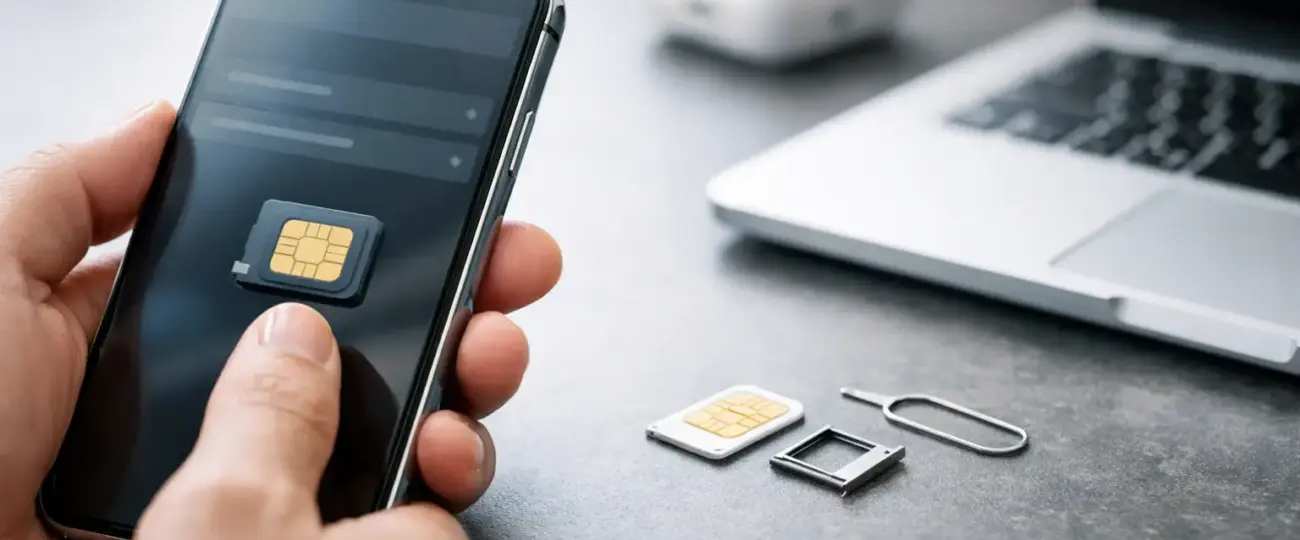


Your flight lands, you open your phone to activate data, and then the question hits: does your device actually support eSIM? That is the moment when searching for טלפונים תומכים esim stops being a tech detail and becomes a travel problem. If you want mobile data ready on arrival, compatibility comes first.
For most travelers, the good news is simple: many recent smartphones support eSIM. The less convenient part is that support depends on the exact model, country version, and sometimes even the carrier status of the device. A phone line might advertise eSIM in general, but your specific handset can still be excluded. That is why a quick check before you buy a plan saves time, money, and airport frustration.
If your phone is a fairly recent iPhone, Google Pixel, Samsung Galaxy, or another current flagship or upper-midrange Android device, there is a good chance it supports eSIM. Apple pushed adoption early, so many newer iPhones include it by default. On Android, support is broader than it used to be, but it is still less uniform across brands and regions.
That difference matters for travelers. With iPhone, the question is often whether the device is unlocked and which SIM configuration it uses in your market. With Android, you may need to check both the model family and the exact model number. Two phones with nearly identical names can have different eSIM support depending on where they were sold.
Tablets and laptops can also support eSIM, but for travel data most people are checking a primary phone. If your goal is to use maps, rideshare apps, messaging, and hotspot features abroad, phone compatibility is the practical first step.
The fastest method is to look in your phone settings. On iPhone, go to Cellular or Mobile Data and see whether there is an option to add an eSIM or add a cellular plan. On Android, open Network and Internet, Connections, or SIM Manager depending on the brand, then look for an option such as add eSIM, download SIM, or manage mobile plans.
If that option appears, that is a strong sign your device supports eSIM. Still, one more detail matters: the phone should also be carrier unlocked if you plan to use a travel eSIM from a provider other than your home carrier. A locked phone may technically support eSIM and still refuse a second plan.
There is also a simpler reality many travelers overlook. A phone can support eSIM but not dual active usage in the way you expect. Some devices let you store multiple eSIM profiles but use only one at a time. Others let you keep your primary line active for calls and texts while using eSIM for data. If that matters to your trip, check the SIM behavior, not just the word eSIM.
Most newer iPhones support eSIM, especially models from the last several generations. In the US, some recent iPhone versions rely on eSIM only and do not include a physical SIM tray at all. That can be convenient for travel because setup stays fully digital.
The main things to verify are whether the phone is unlocked and whether your iOS version is current. If both are in good shape, setup is usually quick. For travelers who want the least friction, iPhone remains one of the easier paths.
Android phones are more varied. Google Pixel models often support eSIM, and many Samsung Galaxy S, Z, and selected A series devices do as well. Other brands may support it only on premium models, only in certain countries, or only on devices sold directly by specific channels.
This is where exact model checks matter. If you bought your phone through a carrier deal, refurbished marketplace, or overseas retailer, do not assume support based on the product name alone. Check the phone settings and the device specifications for that exact version before you purchase a travel plan.
There are three common reasons. First, the phone is older and was released before eSIM became mainstream. Second, the manufacturer enabled eSIM only on select models. Third, the hardware supports it but the carrier or regional firmware limits access.
That last point causes a lot of confusion. Travelers often read that their phone model supports eSIM, but the option does not appear in settings. In many cases, the issue is not user error. It is a software or market-specific limitation.
This is also why compatibility lists should be treated as helpful, not absolute. They point you in the right direction, but your specific device is what matters.
Knowing whether your phone is on the list of טלפונים תומכים esim is only part of the decision. To use a travel eSIM smoothly, you also want to confirm that the phone is unlocked, updated, and ready for installation before departure.
Unlocked status is critical. If your device is still tied to a home carrier financing agreement or network lock, an international eSIM may not activate. This catches a lot of otherwise prepared travelers off guard.
Software updates also matter more than people expect. An outdated operating system can create setup issues, especially when scanning QR codes or adding a secondary cellular plan. Updating your phone on home Wi-Fi before a trip is a small step that prevents bigger setup delays later.
Battery life and network bands deserve a brief mention too. eSIM does not change the battery performance of a phone on its own, but using 5G abroad, hotspot features, and constant navigation can drain power quickly. And while eSIM makes activation easy, actual speed still depends on the local network your plan connects to.
eSIM is especially useful if you move between countries, want data working the moment you land, or prefer not to swap your physical SIM. It is also practical for business travelers who need their regular number available while using local or regional data on a second line.
For short city breaks, the biggest benefit is convenience. You buy online, install in advance, and turn the plan on when you arrive. For longer trips, eSIM becomes more than convenient – it is easier to manage than hunting for local SIM cards in each destination.
This is where providers focused on travel make the process simpler. Services such as eSimple Pro are built around the travel flow: choose a destination, buy online, scan, and connect. That model works well for people who want to avoid store visits, language barriers, and surprise roaming charges.
The first mistake is assuming every newer phone supports eSIM. Many do, but not all. The second is checking the model family without checking the exact version. The third is forgetting about carrier lock status.
Another common issue is waiting until arrival to test setup. Even if activation is meant to start when you land, installation should usually be done before departure while you still have stable Wi-Fi and time to troubleshoot. That gives you a buffer if anything needs adjustment.
It also helps to keep expectations realistic. eSIM is easier than buying local SIM cards in many cases, but it is not magic. If your phone is incompatible, locked, or not updated, digital delivery alone will not fix it.
Before buying any travel plan, take two minutes and verify four things: your phone shows an eSIM option in settings, the device is unlocked, your software is current, and you understand whether you will use eSIM for data only or alongside your main line. That is enough to avoid most setup problems.
If you are shopping for a new device and travel often, prioritizing one of the newer טלפונים תומכים eSIM is a smart move. It gives you more flexibility, quicker activation abroad, and fewer moving parts when plans change mid-trip.
The best travel tech is the kind you barely have to think about. If your phone is eSIM-ready before you leave, staying connected abroad becomes one less thing to solve at the airport.
 North eSIM
Price range: 1.78 € through 56.45 €
North eSIM
Price range: 1.78 € through 56.45 €
 eSim Bahrain
Price range: 1.75 € through 55.43 €
eSim Bahrain
Price range: 1.75 € through 55.43 €
 eSim Bahamas
Price range: 5.80 € through 183.93 €
eSim Bahamas
Price range: 5.80 € through 183.93 €
 eSim Azerbaijan
Price range: 1.75 € through 60.28 €
eSim Azerbaijan
Price range: 1.75 € through 60.28 €
 eSim Australia
Price range: 1.25 € through 65.98 €
eSim Australia
Price range: 1.25 € through 65.98 €
© 2026 Esimple. All rights reserved by Cubixsol

 Written by